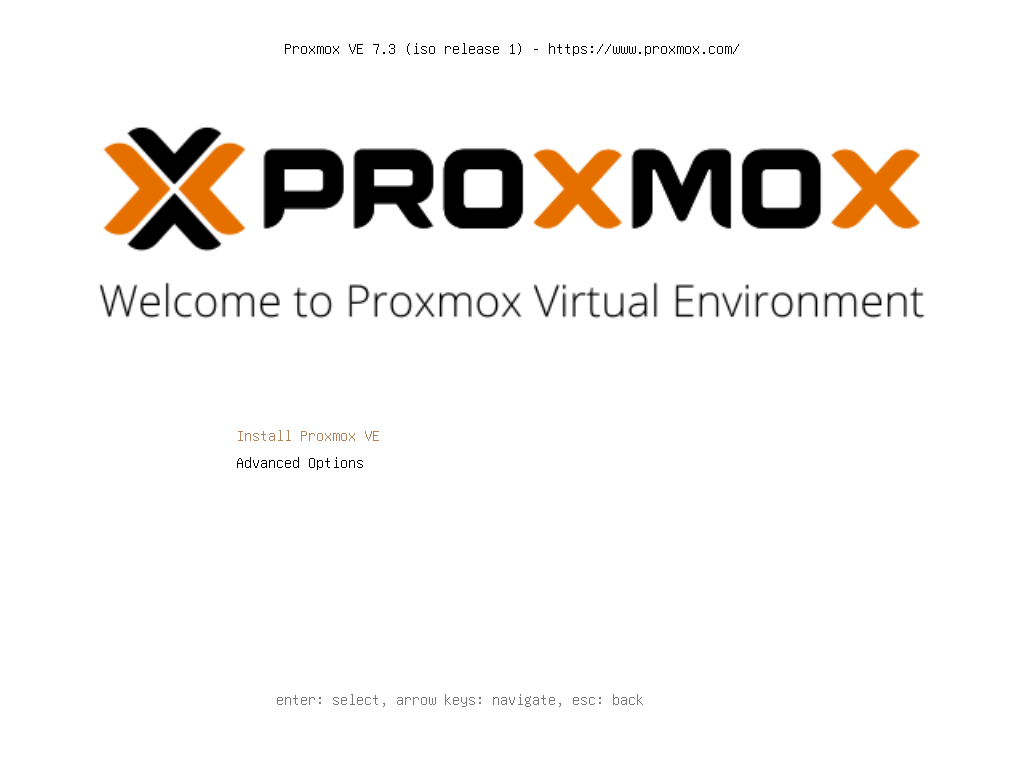
启动安装界面
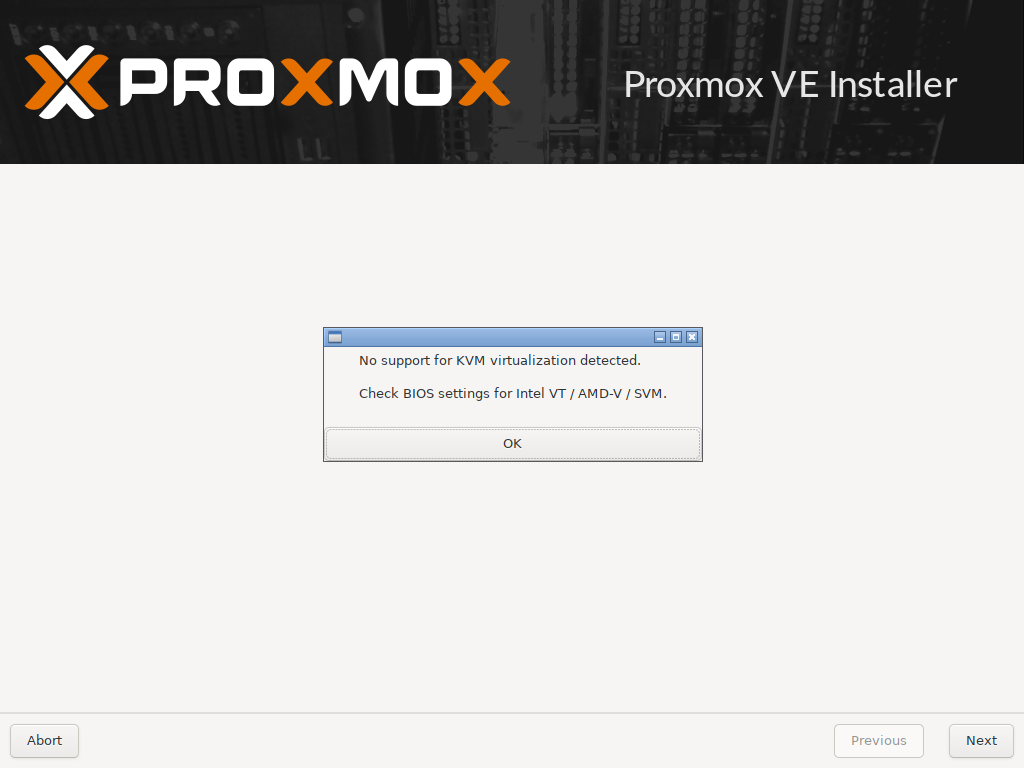
出现没有启用虚拟化,用的虚拟机,需要启用

登录地址需要是https,地址是安装时设置的静态ip
第一步:换源,使用科大的源https://mirrors.ustc.edu.cn/
修改基础系统(Debian)的源文件,可以使用如下命令:
1 | sed -i 's|^deb http://ftp.debian.org|deb https://mirrors.ustc.edu.cn|g' /etc/apt/sources.list |
修改 Proxmox 的源文件,可以使用如下命令:
1 | source /etc/os-release |
更改完 sources.list 文件后请运行 apt update 更新索引以生效。
还有错误,

解决办法
1 | mv /etc/apt/sources.list.d/pve-enterprise.list /etc/apt/sources.list.d/pve-enterprise.list.bak |
上面一步就可以了,下面的在科大的换过了
1 | echo 'deb http://download.proxmox.com/debian/pve bullseye pve-no-subscription' >> /etc/apt/sources.list.d/pve-no-subscription.list |
出现无有效订阅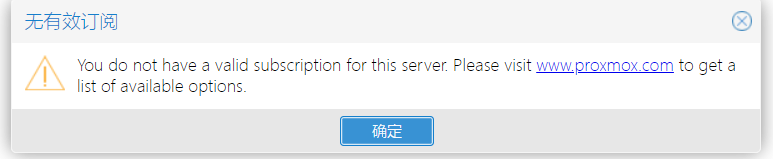
解决办法
1、 定位到 /usr/share/javascript/proxmox-widget-toolkit/这个文件夹
1 | cd /usr/share/javascript/proxmox-widget-toolkit/ |
2、 备份proxmoxlib.js
1 | cp proxmoxlib.js proxmoxlib.js.bck |
3、编辑 proxmoxlib.js,vim proxmoxlib.js
:set number显示行号
vim显示行号的方法:
临时显示
:set number
永久显示
vim ~/.vimrc 输入:set number
解决方法
1 | Ext.Msg.show({ |
