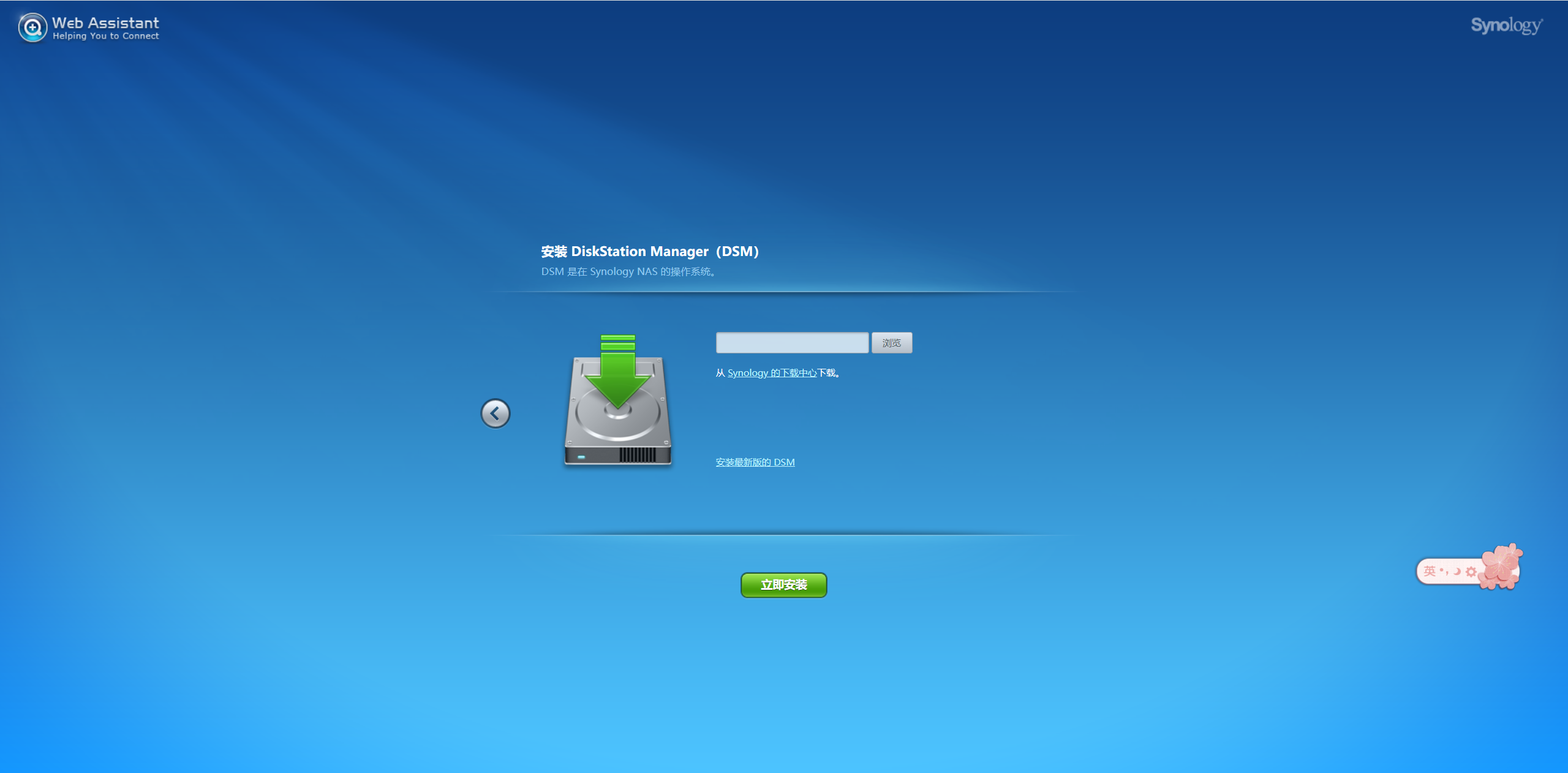
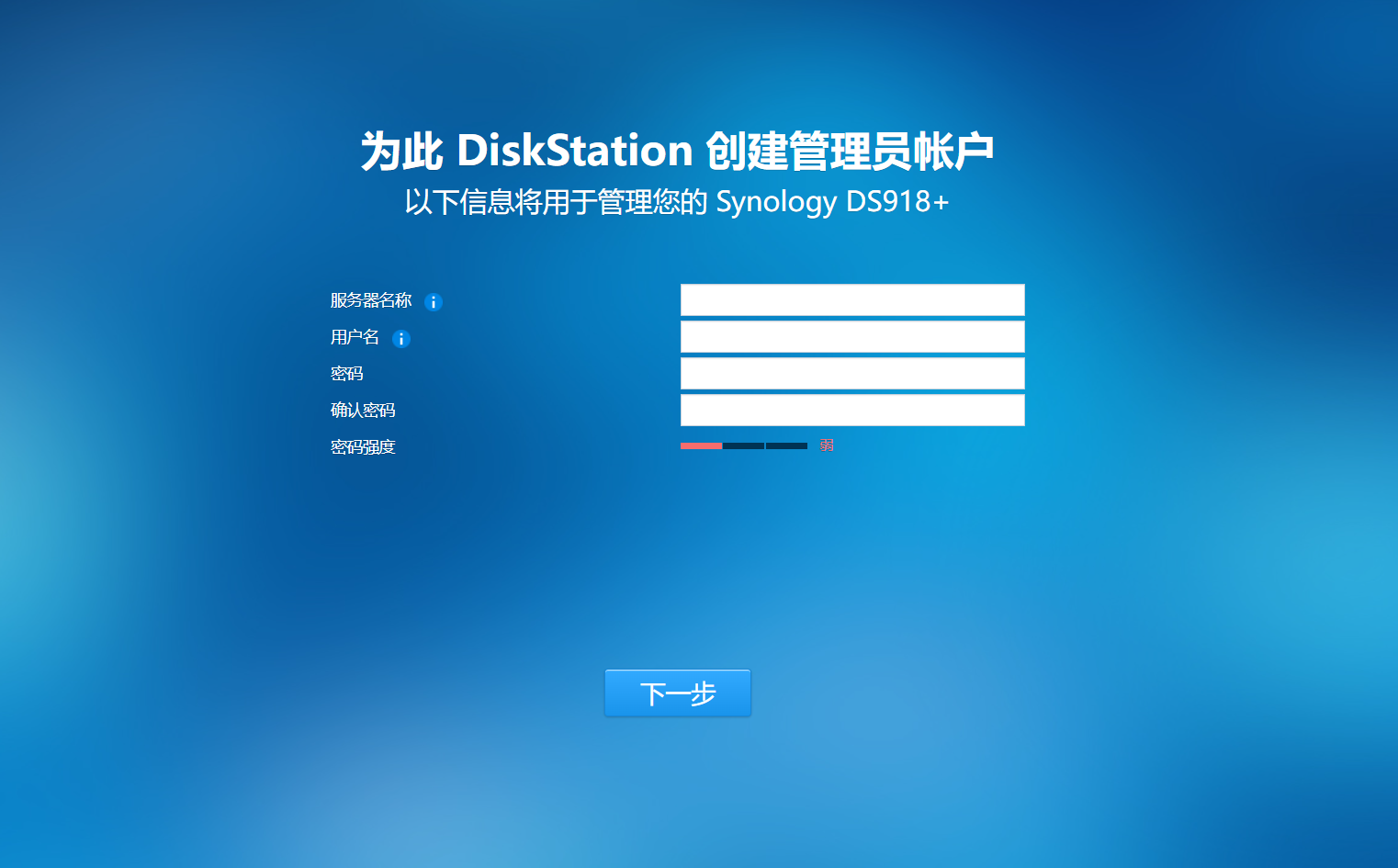

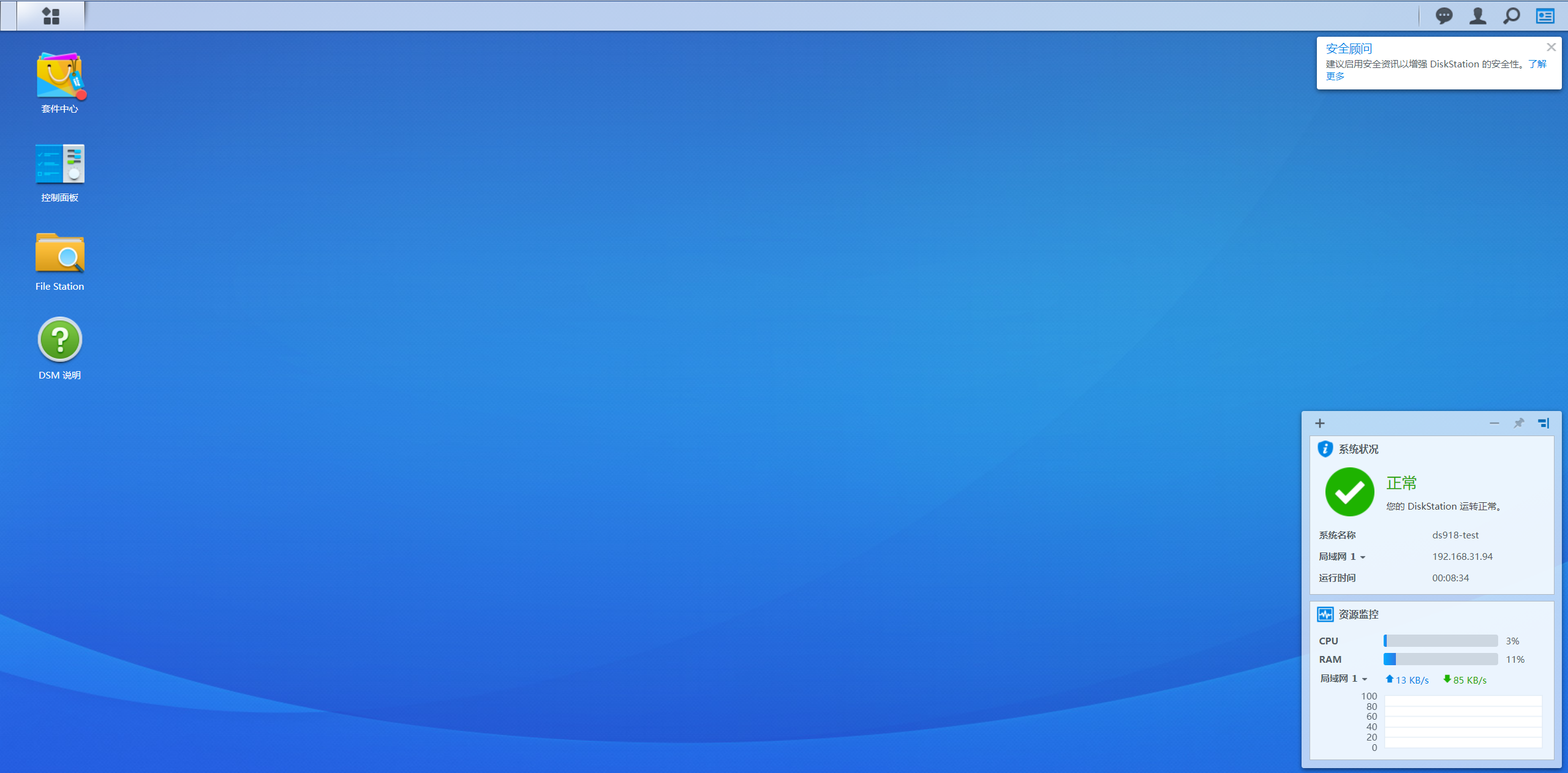
硬件直通
硬件直通(所有硬件)
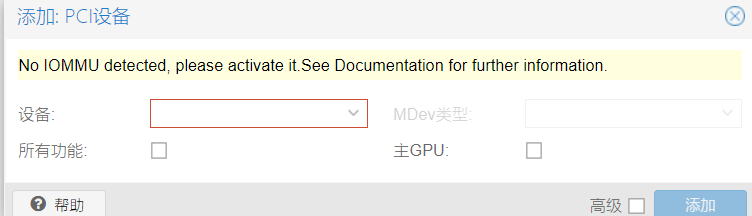 启动内核IOMMU支持
打开PVE节点的shell,输入命令:
1 | nano /etc/default/grub |
开启IOMMU支持:
1 | GRUB_CMDLINE_LINUX_DEFAULT="quiet intel_iommu=on iommu=pt video=efifb:off,vesafb:off" |
amd CPU修改为:
1 | GRUB_CMDLINE_LINUX_DEFAULT="quiet amd_iommu=on iommu=pt video=efifb:off,vesafb:off" |
编辑完文件后按“Ctrl + X” > “Y” > “回车”
修改完成之后更新grub
1 | update-grub |
加载内核模块
1 | nano /etc/modules |
添加以下模块
1 | vfio |
硬件添加pcie完成
pve强制关闭虚拟机
1 | ps -ef|grep "/usr/bin/kvm -id 100" |grep -v grep |
pve安装
启动安装界面
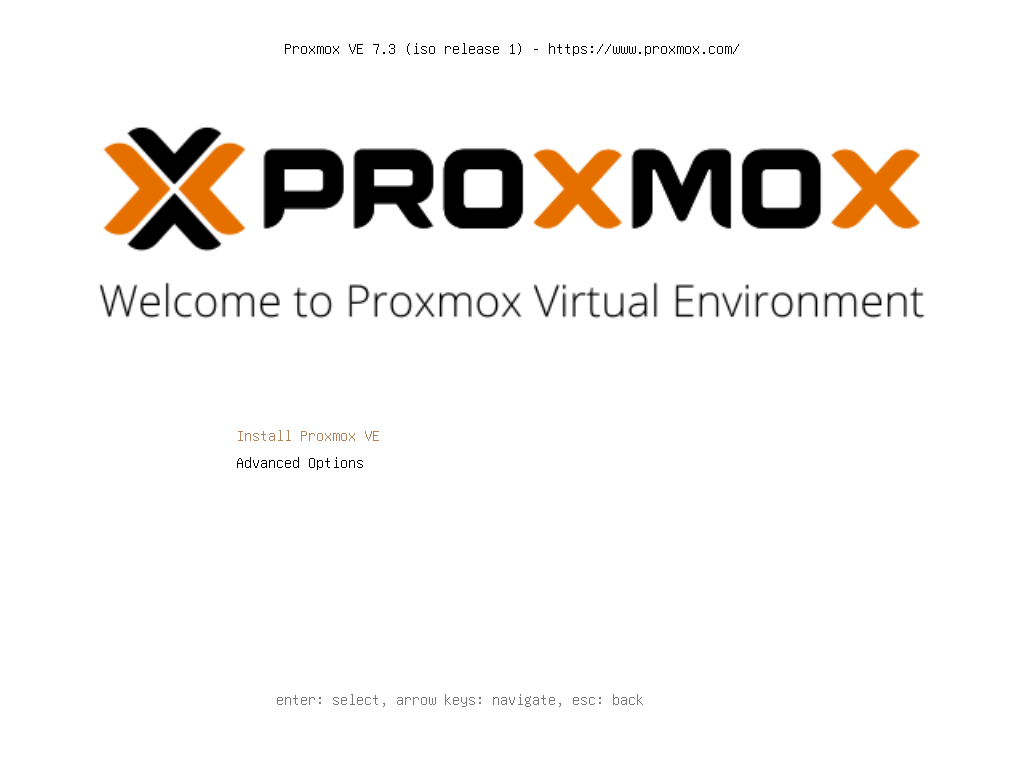
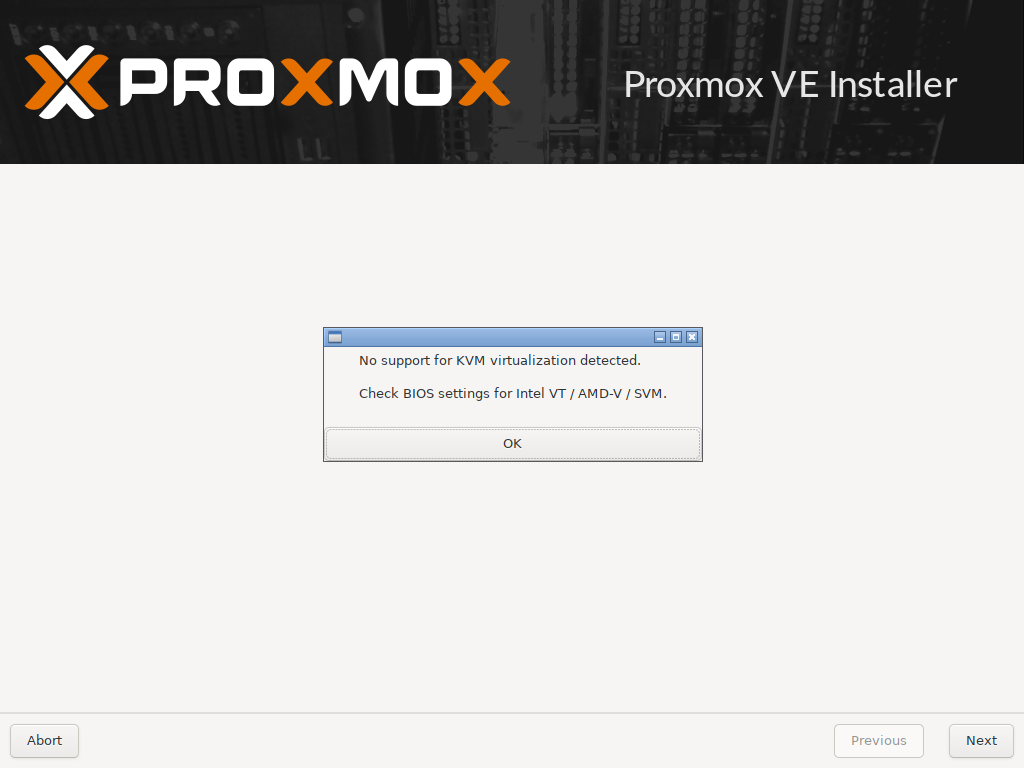
出现没有启用虚拟化,用的虚拟机,需要启用


登录地址需要是https,地址是安装时设置的静态ip
第一步:换源,使用科大的源https://mirrors.ustc.edu.cn/
修改基础系统(Debian)的源文件,可以使用如下命令:
1 | sed -i 's|^deb http://ftp.debian.org|deb https://mirrors.ustc.edu.cn|g' /etc/apt/sources.list |
修改 Proxmox 的源文件,可以使用如下命令:
1 | source /etc/os-release |
更改完 sources.list 文件后请运行 apt update 更新索引以生效。
还有错误,

解决办法
1 | mv /etc/apt/sources.list.d/pve-enterprise.list /etc/apt/sources.list.d/pve-enterprise.list.bak |
上面一步就可以了,下面的在科大的换过了
1 | echo 'deb http://download.proxmox.com/debian/pve bullseye pve-no-subscription' >> /etc/apt/sources.list.d/pve-no-subscription.list |
出现无有效订阅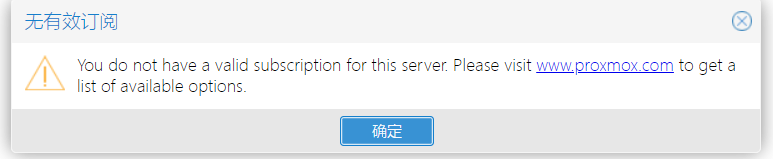
解决办法
1、 定位到 /usr/share/javascript/proxmox-widget-toolkit/这个文件夹
1 | cd /usr/share/javascript/proxmox-widget-toolkit/ |
2、 备份proxmoxlib.js
1 | cp proxmoxlib.js proxmoxlib.js.bck |
3、编辑 proxmoxlib.js,vim proxmoxlib.js
:set number显示行号
vim显示行号的方法:
临时显示
:set number
永久显示
vim ~/.vimrc 输入:set number
解决方法
1 | Ext.Msg.show({ |

版本管理
查看状态
首先使用git status查看下
1 | $ git status |
将文件更改为
1 | test1 |
再使用git status查看下
1 | $ git status |
git diff查看修改git add test1.txt提交修改
Git的安装
安装Git
在Windows上安装Git
从Git官网直接下载安装程序,按默认选项安装即可。
配置Git
使用git config,有3级
一、系统:/etc/gitconfig 文件
1 | $ git config --system user.name "Your Name" |
二、全局用户:~/.gitconfig
1 | $ git config --global user.name "Your Name" |